Low-resolution to high-resolution
Prepare suitable low-resolution images for clearer HD, 2K or 4K output while preserving composition.
ExampleImprove an older website banner without changing its subject.EXPLORE SERVICE →Upscale low-resolution images, restore lost detail, improve colour, reduce blur and create professional results for websites, social media, ecommerce and photography.

Preview uploads and settings now. Genuine enhancement and downloads activate only when a production processor returns a completed result.
or choose one from your device
Browser preview: JPG, PNG or WEBP. Final file support and size limits depend on the connected processing service.
From quick corrections to professional batch preparation and secure API integration.
Prepare suitable low-resolution images for clearer HD, 2K or 4K output while preserving composition.
ExampleImprove an older website banner without changing its subject.EXPLORE SERVICE →Increase image dimensions and improve visible detail for websites, presentations, print and digital use.
ExamplePrepare a small product image for a larger catalogue layout.EXPLORE SERVICE →Improve suitable soft or blurry images and recover clearer edges where technically possible.
ExampleClarify a slightly soft event photograph.EXPLORE SERVICE →Reduce digital noise, compression artefacts and distracting pixelation.
ExampleClean up a compressed image received through messaging.EXPLORE SERVICE →Improve exposure, white balance, contrast, highlights, shadows and colour balance.
ExampleLift a dark interior while keeping colour natural.EXPLORE SERVICE →Improve facial clarity, lighting and skin appearance naturally without changing identity.
ExampleRefine a professional profile photograph with subtle corrections.EXPLORE SERVICE →Support exposure, grading, highlight recovery, sharpening, portrait refinement and batch preparation.
ExampleApply a consistent correction profile across an event set.EXPLORE SERVICE →Improve product clarity, lighting, colour accuracy and background presentation for ecommerce and catalogues.
ExamplePrepare a clean, consistent product listing image.EXPLORE SERVICE →A simple four-step workflow keeps the original visible and puts review before download.
Upload a product image, portrait, photograph or other supported image.
Select the required enhancement, resolution and editing options.
The AI analyses image quality and applies the selected improvements.
Review the original and enhanced versions before downloading the result.
Every comparison uses the same generated source image and a controlled degraded before presentation. No unrelated images.

Upscaling, clarity and compression clean-up
Measured blur correction and natural portrait refinement

Lighting, edge clarity and background presentation
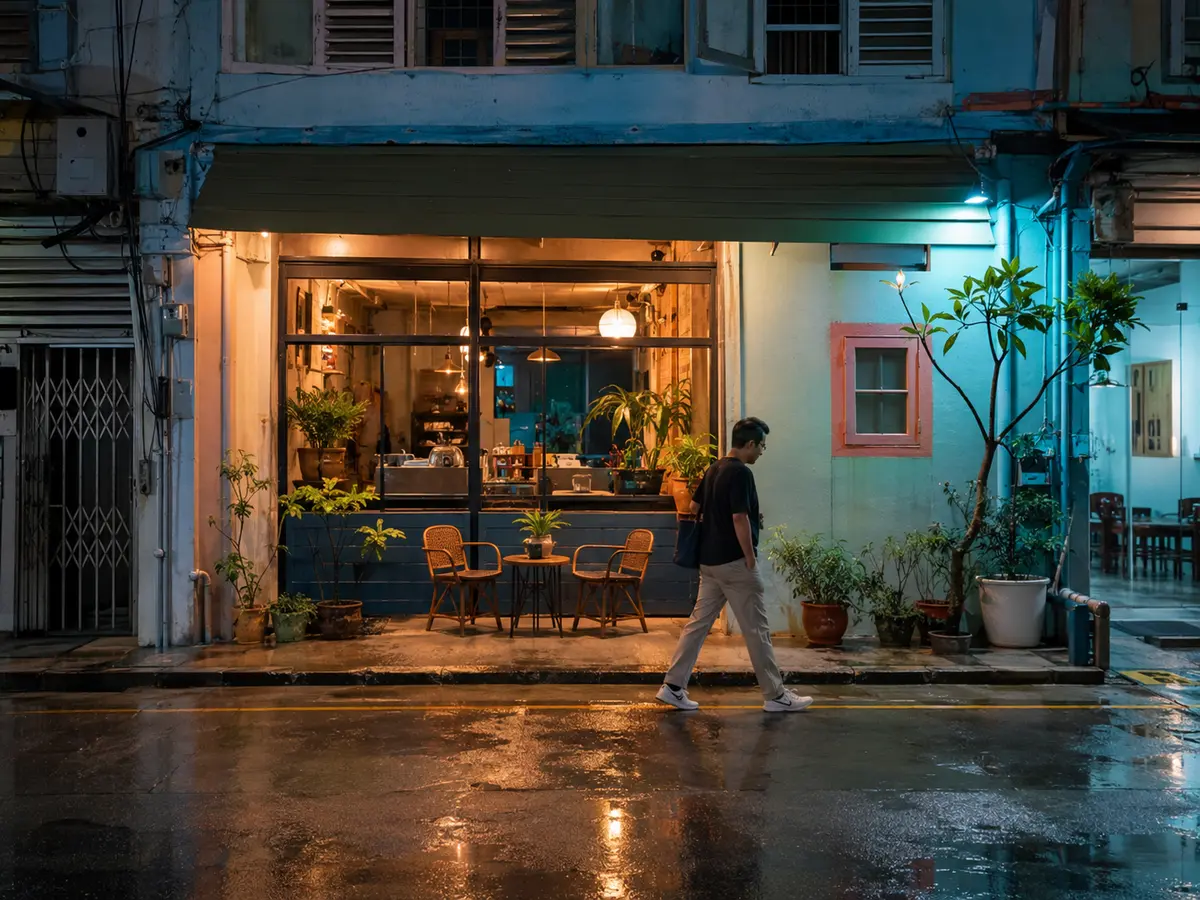
Shadow recovery, colour balance and noise control
Use AI to handle repetitive corrections while keeping creative control over the final result.
The workspace below is a product interface demonstration. Controls remain preview-only until a connected processing API confirms each operation. UZZU supports creative judgment—it does not replace it.
Connect UZZU image-enhancement capabilities to your website, application, ecommerce workflow or internal system through package-based API access.
POST <API_BASE_URL>/v1/enhance

Authorization: Bearer <YOUR_API_KEY>
Content-Type: multipart/form-data

operation: auto_enhance
resolution: 2k
output_format: pngNo live endpoint or real credential is shown. Production access is supplied only after connection and package confirmation.
Choose a package for enhancement access, photographer workflows or secure API connectivity.
For individuals and small businesses that need essential image enhancement and basic API connectivity.
For photographers, ecommerce sellers and growing businesses needing advanced editing, batch workflows and expanded API access.
For businesses requiring higher-volume processing, custom integrations, multi-user workflows or tailored API access.
Features, processing capacity, API access, file support and usage limits may vary by package and connected processing service. Contact UZZU CLOUD DYNAMICS SOLUTIONS for confirmation before subscribing.
These examples explain suitable applications and are not customer case studies.
Product images have inconsistent lighting and backgrounds.
Upload → Product enhancement → Background cleanup → Resize → Download
A large group of photographs requires consistent lighting and noise correction.
Upload batch → Select editing style → Apply corrections → Review → Export
Low-resolution promotional photographs do not look professional online.
Upload → Upscale → Sharpen → Improve colour → Download
Practical guidance for business owners, photographers and developers.
Understand what happens when a small image is enlarged, where AI can help and where the original still sets the limit.
Learn how corrective enhancement differs from creative editing—and why the distinction matters for professional use.
A practical workflow for cleaner, more consistent product images without misrepresenting the item being sold.
Clear answers about quality, privacy, package access and API security.
UZZU IMAGE ENHANCER is an AI-assisted image improvement platform operated by UZZU CLOUD DYNAMICS SOLUTIONS. It is designed for upscaling, clarity, colour, restoration, background and workflow tasks, subject to the connected processing service.
The system analyses the uploaded image and applies selected operations such as upscaling, noise reduction, sharpening or lighting correction. Results should be reviewed because every source image has different limitations.
Suitable low-resolution images may be prepared for a larger HD output. Upscaling can improve presentation, but it cannot guarantee recovery of detail that was never captured.
2K and 4K workflows may be available where the connected processing service and selected package support them. A larger file does not automatically mean more authentic detail.
No. Slight softness or motion blur may improve, while severe blur, obstruction or missing focus information may not be recoverable.
Portrait enhancement should preserve identity. Users should compare the result carefully and avoid settings that invent or materially alter facial features.
Yes. Suitable product images can receive clarity, lighting, colour, background and resizing improvements. Product shape, labels and claims must remain accurate.
Upload an image for the workspace preview or tell us what your business needs to enhance and connect.